You can write and edit without an account. Free downloads require Google sign-in.
Find your resume layout
51 of 51 templates · First-page previews with fictional example content
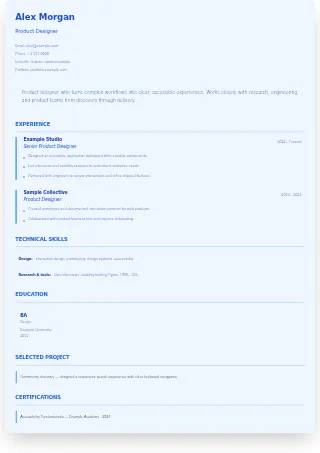
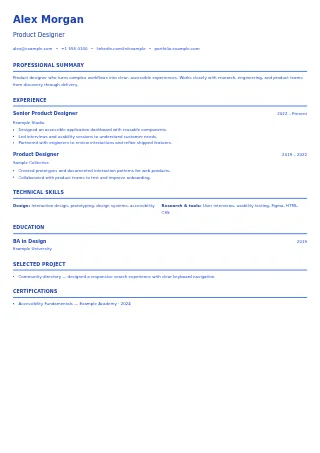
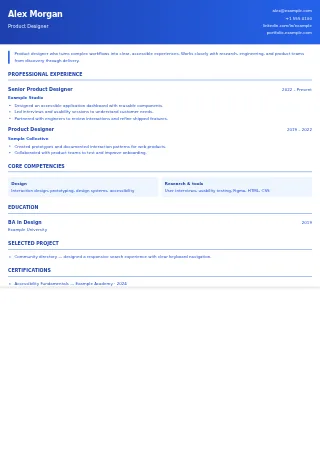
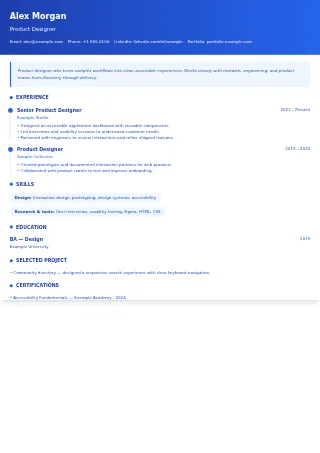
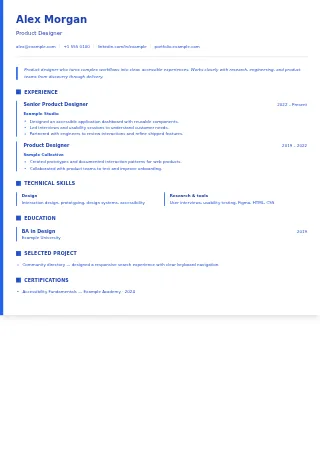
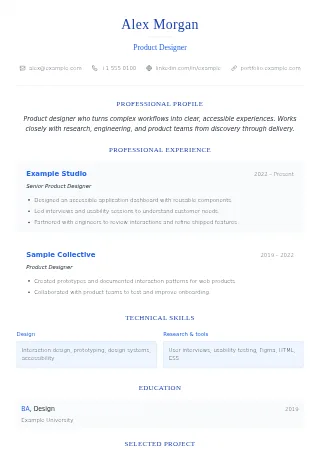
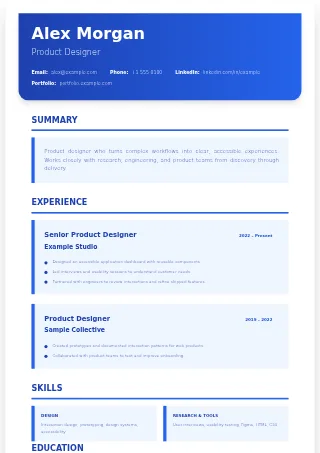
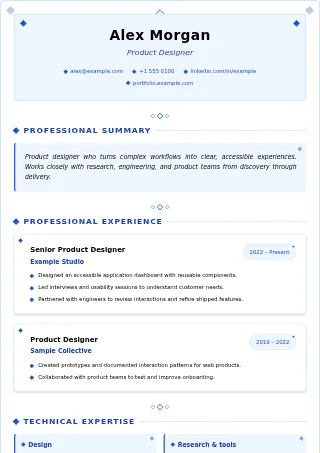
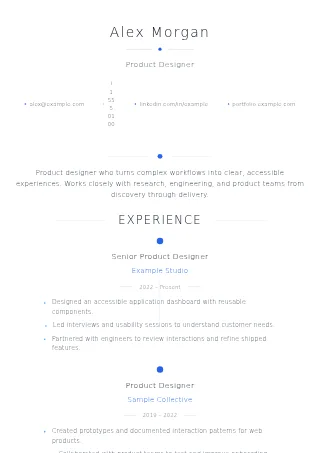
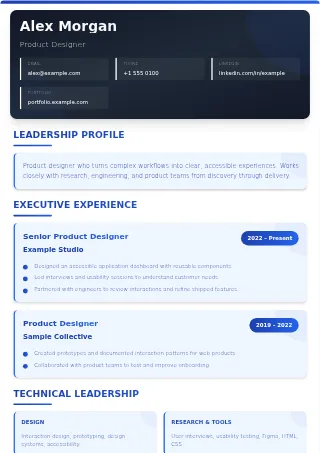
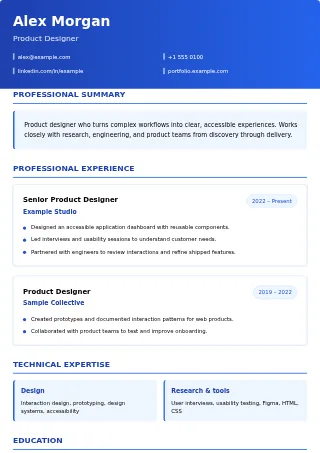
Compact Professional
Simple layoutSingle-column layout with tight spacing for content-rich resumes.
Use this template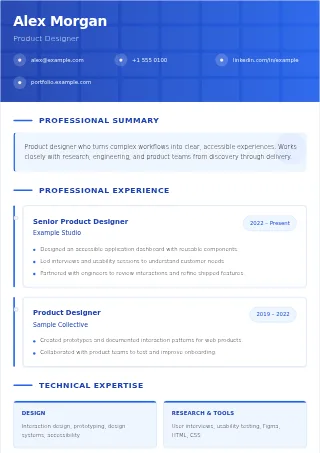
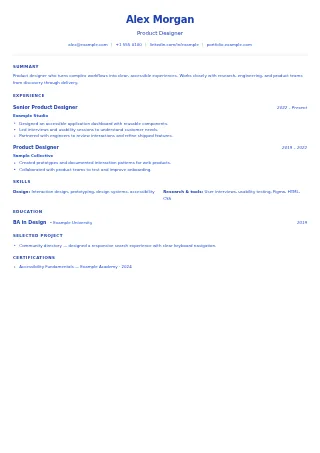
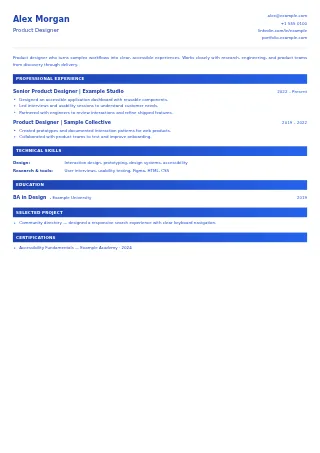
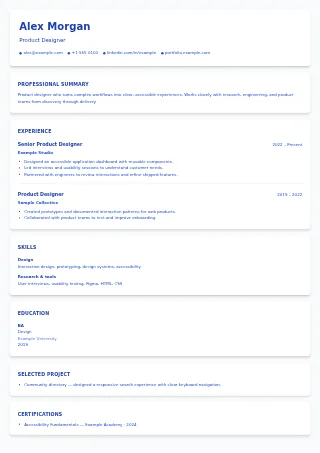
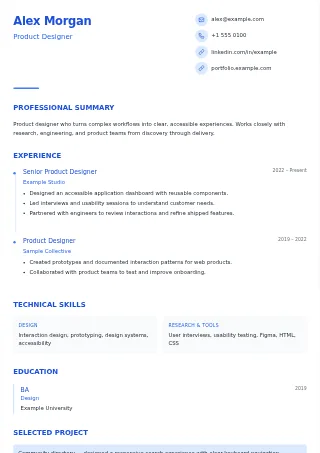
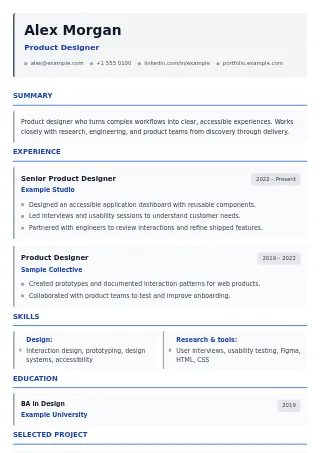
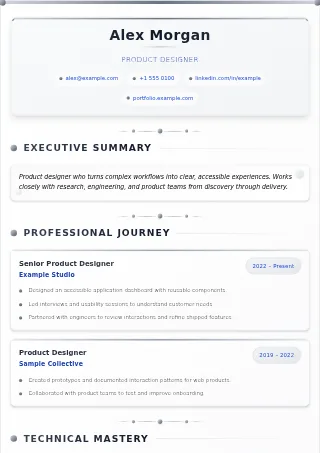
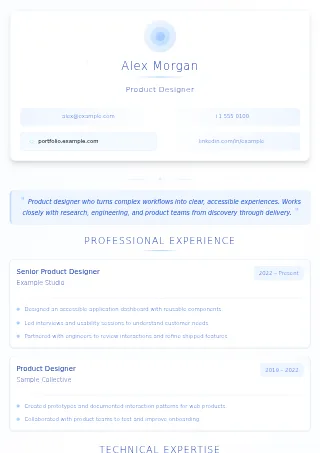
Clean Corporate
Simple layoutCompact corporate styling with clearly separated sections.
Use this template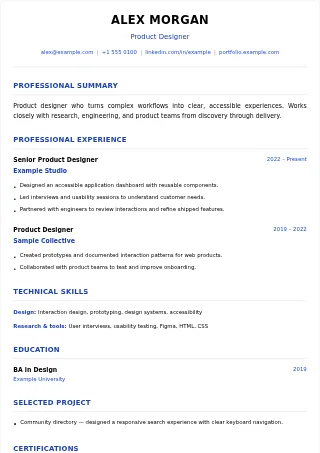
Choose for your content and the application
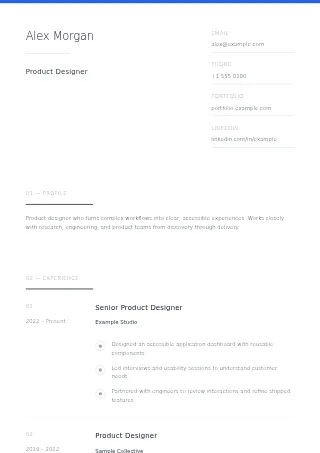
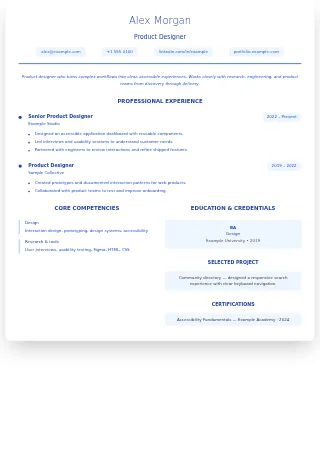
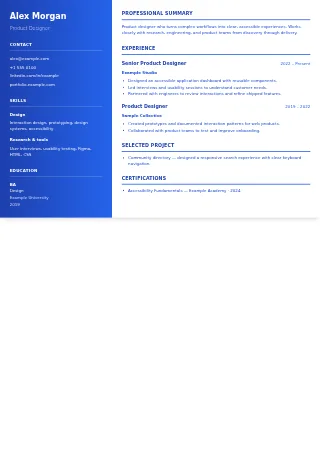
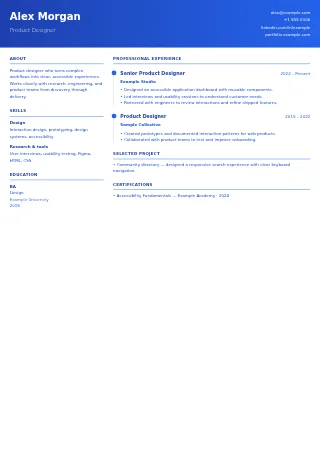
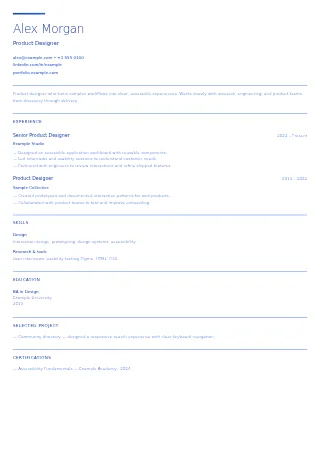
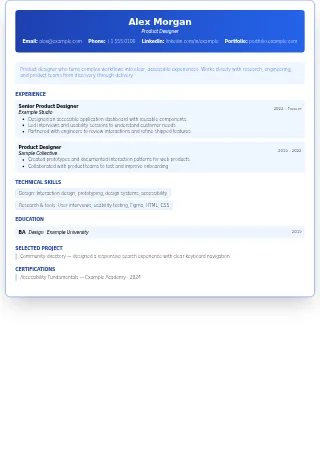
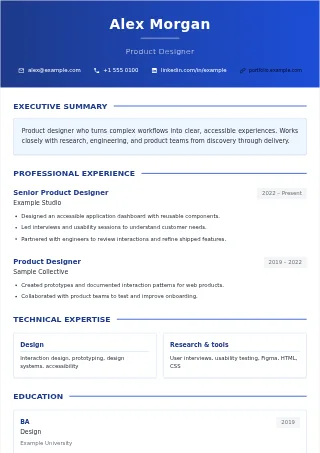
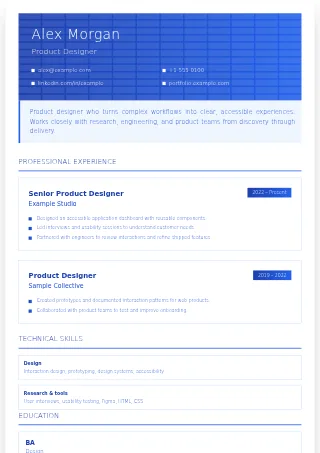
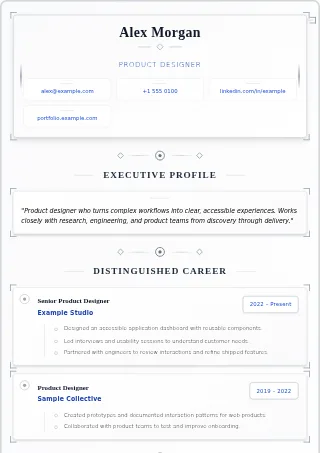
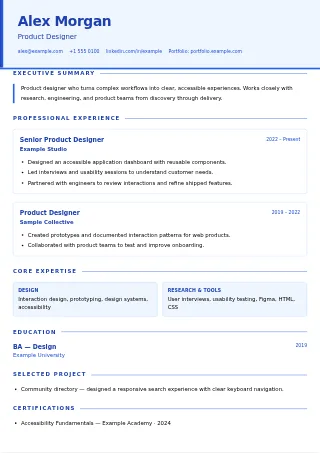
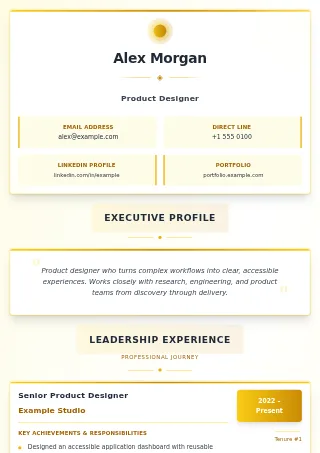
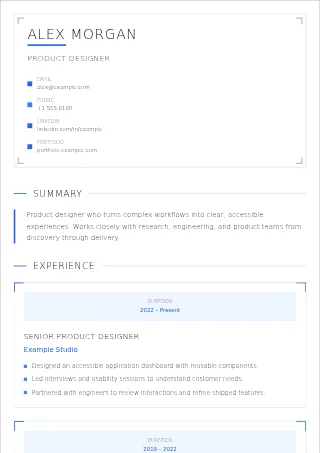
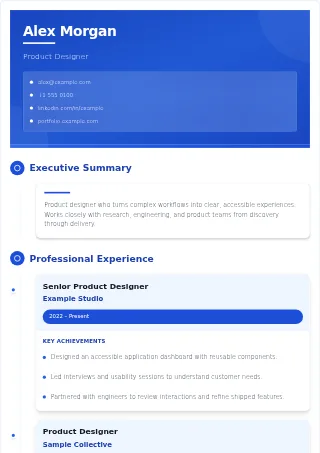
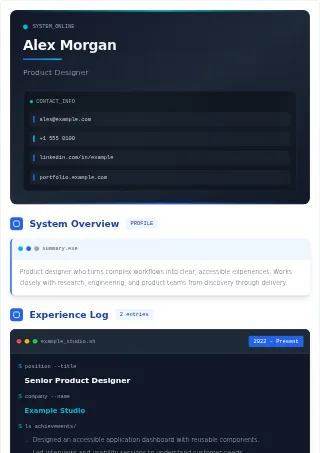
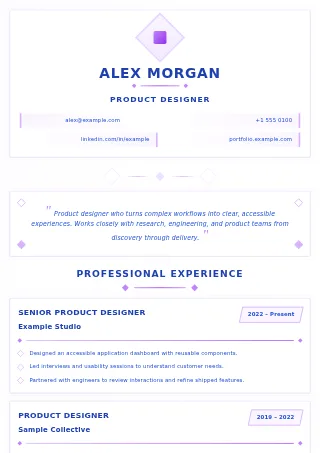
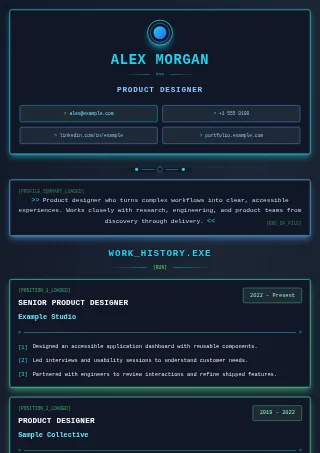
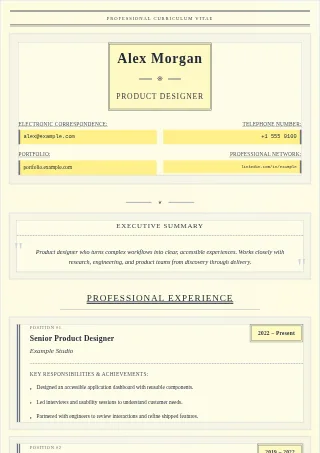
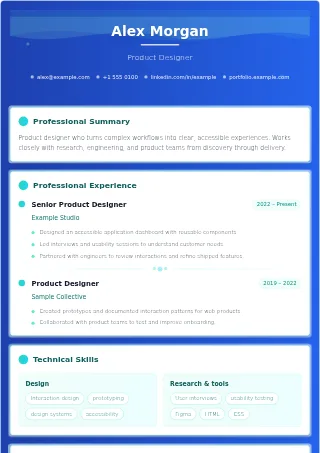
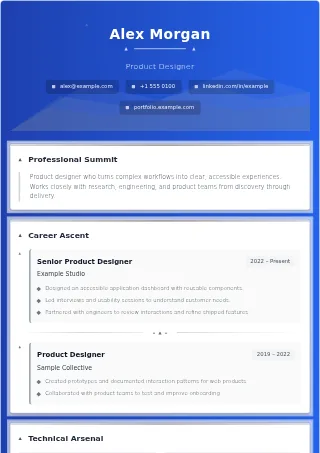
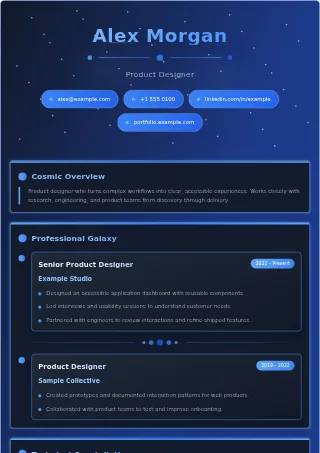
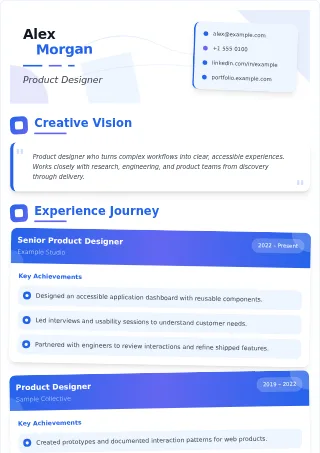
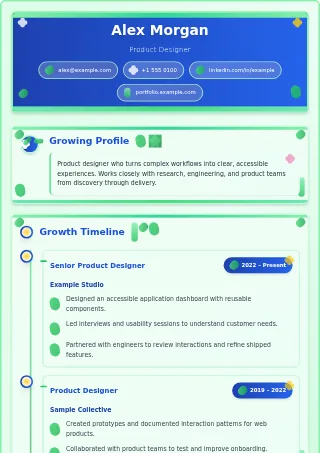
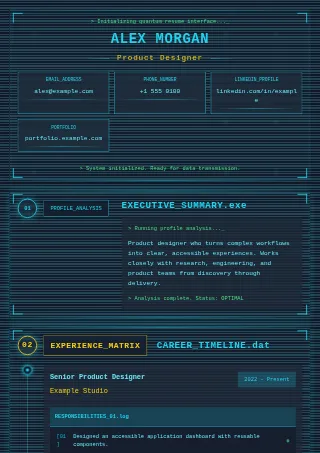
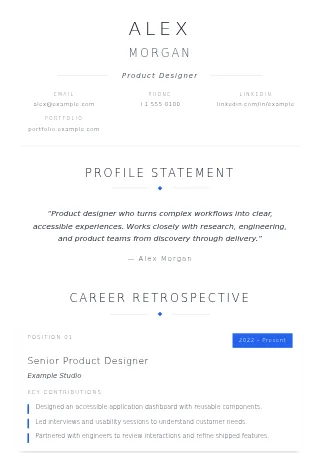
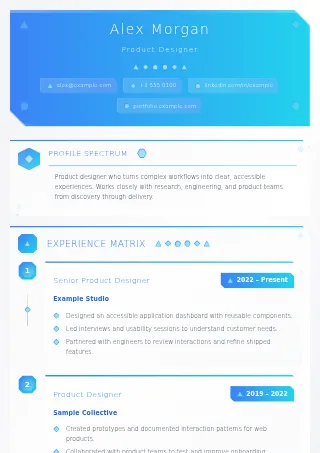
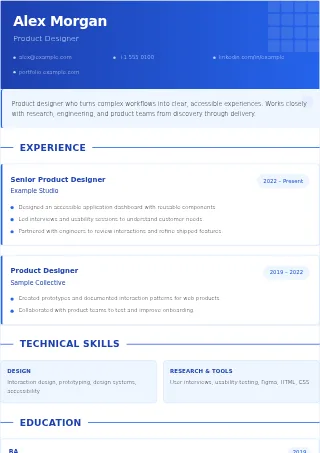
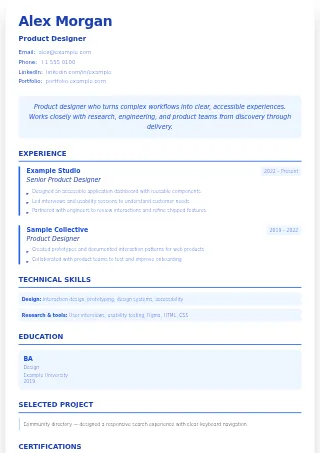
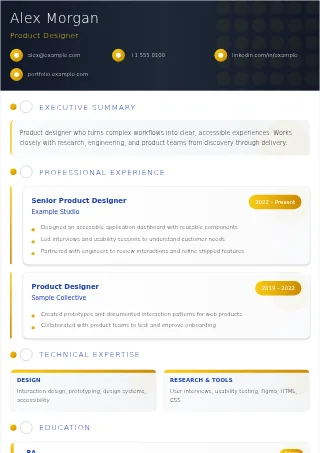
For an application portal, a simple single-column layout is a useful starting point. Familiar section headings and readable text help a person review your experience, too. More visual or two-column designs can suit a directly shared resume, but check the reading order and follow the employer's file instructions. No design guarantees ATS compatibility, an interview, or a job.
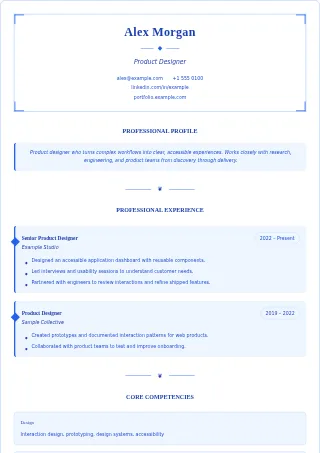
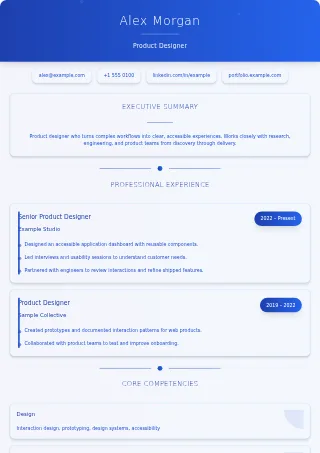
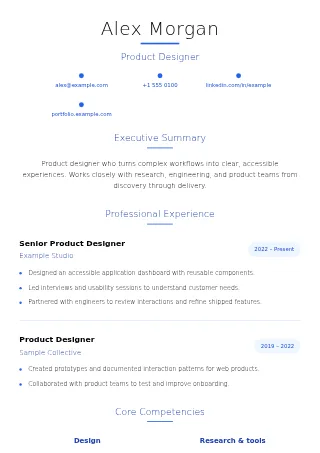
Try a compact design when you have more material, or a spacious layout for a shorter resume. Review the full preview after adding your own content: these first-page examples do not show how every possible resume will paginate. You can change colors, text size, and section order in the editor. Switching styles keeps your existing draft.
PDF preserves the design you select. Word uses a clean, editable layout and may look different from the preview. Open either exported file before sending it, and use the format the employer requests.
All templates and manual editing are free. AI import and writing tools are optional and use credits; choosing a template does not. See free features and AI credit costs before using them.